
 Professional Training
CATIA V5 – Visual Basic (VB) Automation
Comprehensive engineering software training for professionals
Master CATIA automation: streamline workflows using macros and scripting with Visual Basic, VBA, and VBScript.
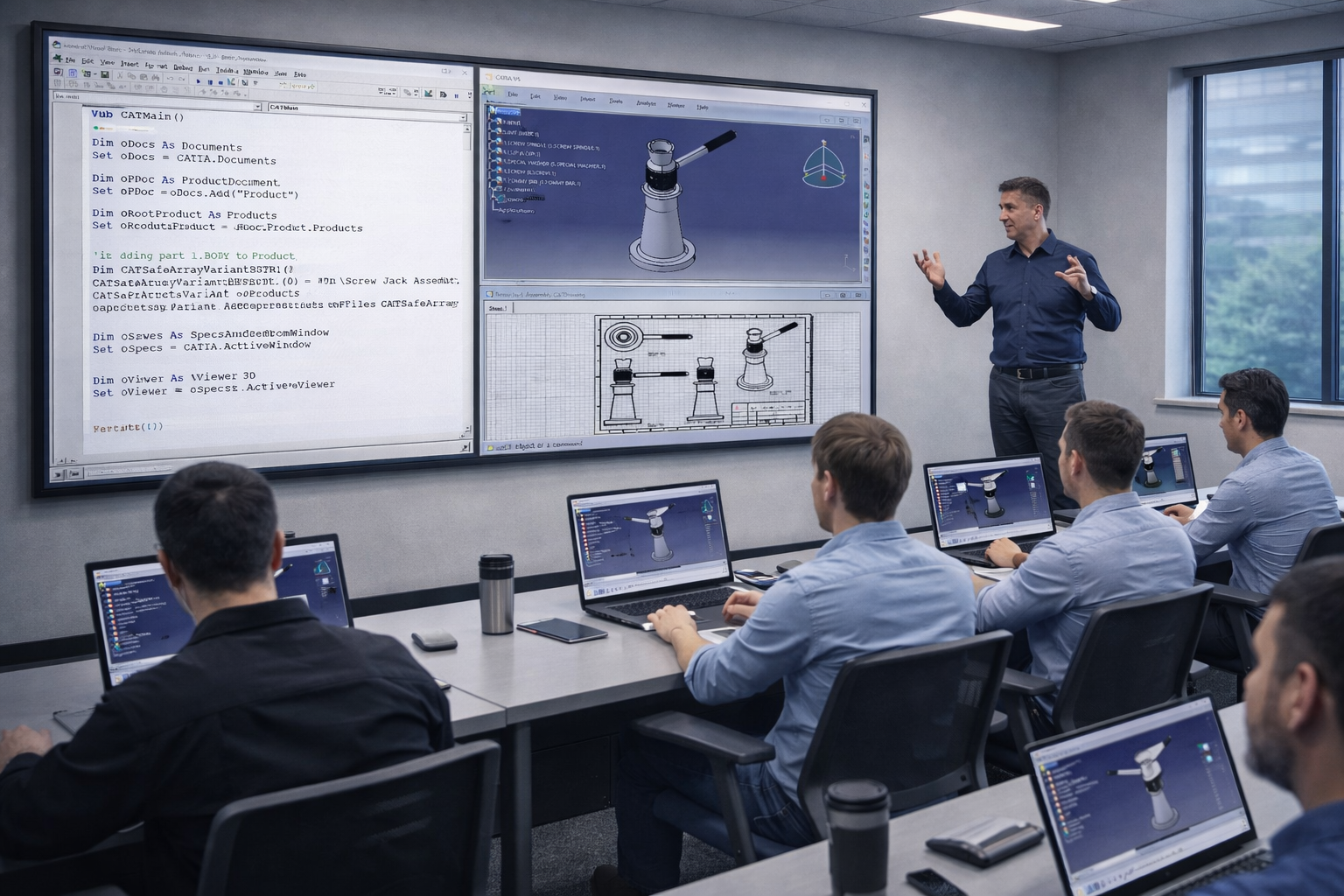
Overview
This comprehensive training program is designed to equip engineering professionals with advanced CAD skills.
Training Course Overview
This course is designed for engineers and CAD administrators who want to automate CATIA V5 tasks and reduce manual design effort.
What You'll Learn
 Understand CATIA V5 automation architecture
- Create and manage macros within CATIA
- Automate sketching, part, surface, and assembly design
- Integrate with external applications (Excel)
- Optimize and manage automation workflows


Requirements & Benefits
Understand the course requirements and the skills you will acquire after completing the course
Requirements
- CATIA V5 Fundamentals
- Basic knowledge of Visual Basic/JavaScript is a plus
Features Targeted
- CATIA Automation API
- Visual Basic (VB / VBA / VBScript)
- Macro Development
- Excel & OLE Automation
Acquired Skills
- Automate repetitive tasks
- Develop custom macros
- Integrate CATIA with external data
Course Lessons
The following lessons are included in the course
 Day 1
Day 1- •Automation overview
- •Recording macros
- •Script editor navigation
Day 2- •Part and Assembly API
- •Selection objects
- •Parameters automation
Day 3- •Excel integration
- •User forms
- •Error handling
Training Methods
Choose the training method right for you

Group Training
- Instructor-led classroom or online
- Collaborative learning environment
- Vendor-approved training materials

Private Training
- Customized for teams
- On-site or remote delivery
- Flexible scheduling
Upcoming Training Courses
Choose a scheduled CATIA V5 – Visual Basic (VB) Automation course


Start Your Engineering Training Journey
Gain professional skills with official Dassault Systèmes training programs. Get certified and accelerate your career.


