 Professional Training
3DEXPERIENCE Mechanical and Surface Design Fundamentals
Comprehensive engineering software training for professionals
Transform your design capabilities with our intensive 5-day training course. Learn industry-leading techniques in parametric modeling, assembly design, and technical documentation from certified instructors.
Overview
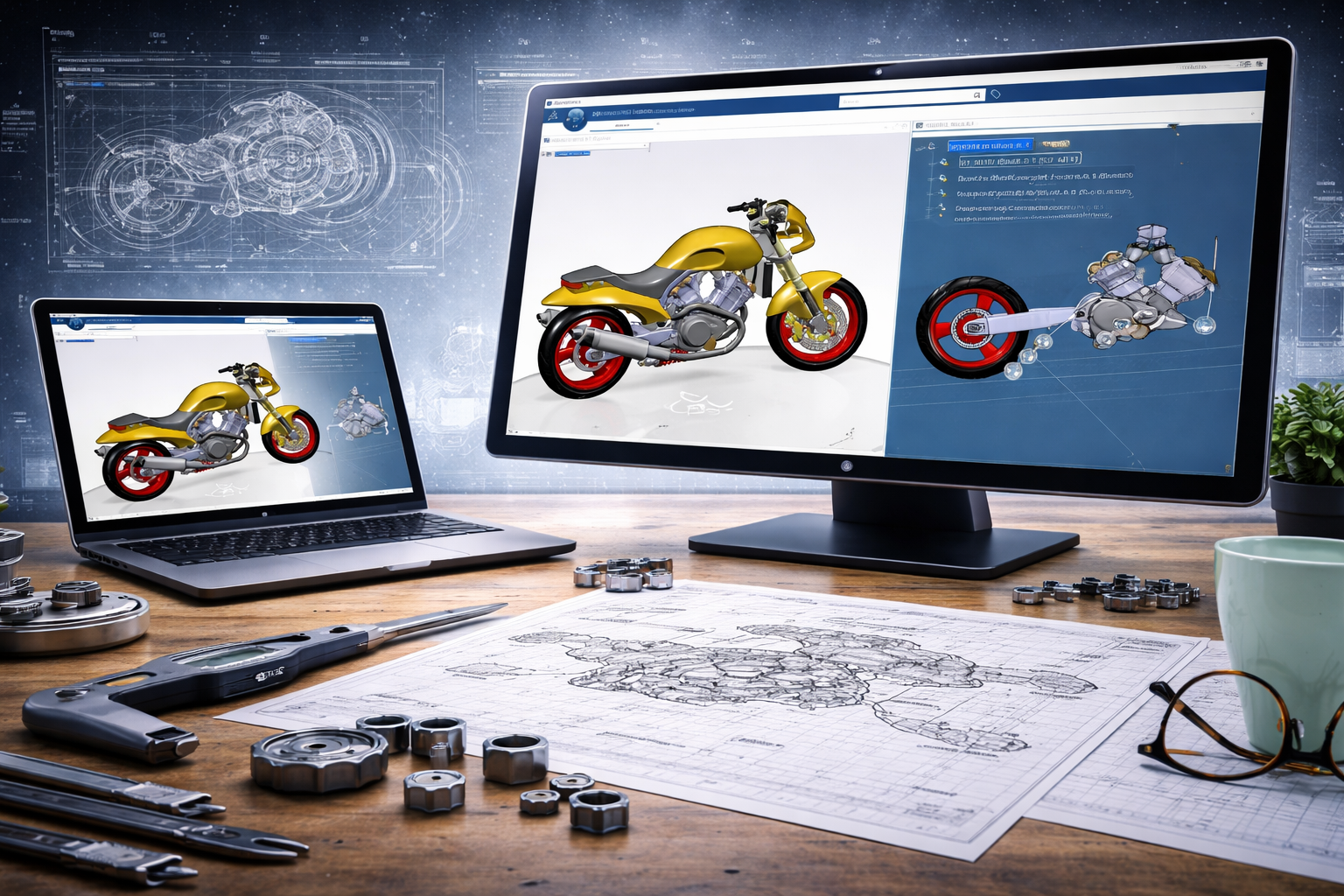
This comprehensive training program is designed to equip engineering professionals with advanced CAD skills.
Training Course Overview
This comprehensive three-day training program is designed to provide a solid foundation in the Mechanical Designer role within the CATIA environment. Starting with essential platform navigation and data management, the course quickly progresses through core design methodologies. Participants will gain hands-on experience in part design, surface geometry creation, and assembly management, ensuring they can navigate the entire design-to-drawing workflow efficiently.
What You'll Learn
 Maps & Understand the 3DEXPERIENCE User Interface
- Create and Manage 3D Parts & Assemblies
- Use New Parametric Design Techniques
- Create Wireframe & Surface Elements in CATIA
- Create and Manage 2D Drawings


Requirements & Benefits
Understand the course requirements and the skills you will acquire after completing the course
Requirements
- Students attending this course are recommended to have experience with 3D Parametric Design.
- Understanding of the difference between surfacing and mechanical design is recommended, but not required.
Features Targeted
- Sketcher & 3D Design
- Parametric Modeling
- Surface Geometries
- Engineering Connections
- Skeleton Methodology
- Data Management
Acquired Skills
- Maps the Platform
- Design Complex Parts
- Master Assembly Workflows
- Generate Documentation
- Optimize Design Reuse
Course Lessons
The following lessons are included in the course
 Day 1
Day 1- •Platform introduction
- •Interface navigation
- •Base part design
- •Surface geometry basics
Day 2- •Sketch creation
- •3D modeling
- •Parametric design
Day 3- •Assembly creation
- •Engineering connections
- •Assembly management
Day 4- •Wireframe design
- •Surface modeling
- •Advanced geometry tools
Day 5- •Drafting views
- •Dimensions and annotations
- •Final drawing preparation
Training Methods
Choose the training method right for you

Group Training
- Instructor-led classroom or online
- Collaborative learning environment
- Vendor-approved training materials

Private Training
- Customized for teams
- On-site or remote delivery
- Flexible scheduling
Upcoming Training Courses
Choose a scheduled 3DEXPERIENCE Mechanical and Surface Design Fundamentals course


Start Your Engineering Training Journey
Gain professional skills with official Dassault Systèmes training programs. Get certified and accelerate your career.


